AI Governance Checklist for Automation Projects in Regulated Industries
October 12, 2026 - AI


October 09, 2026 - AI
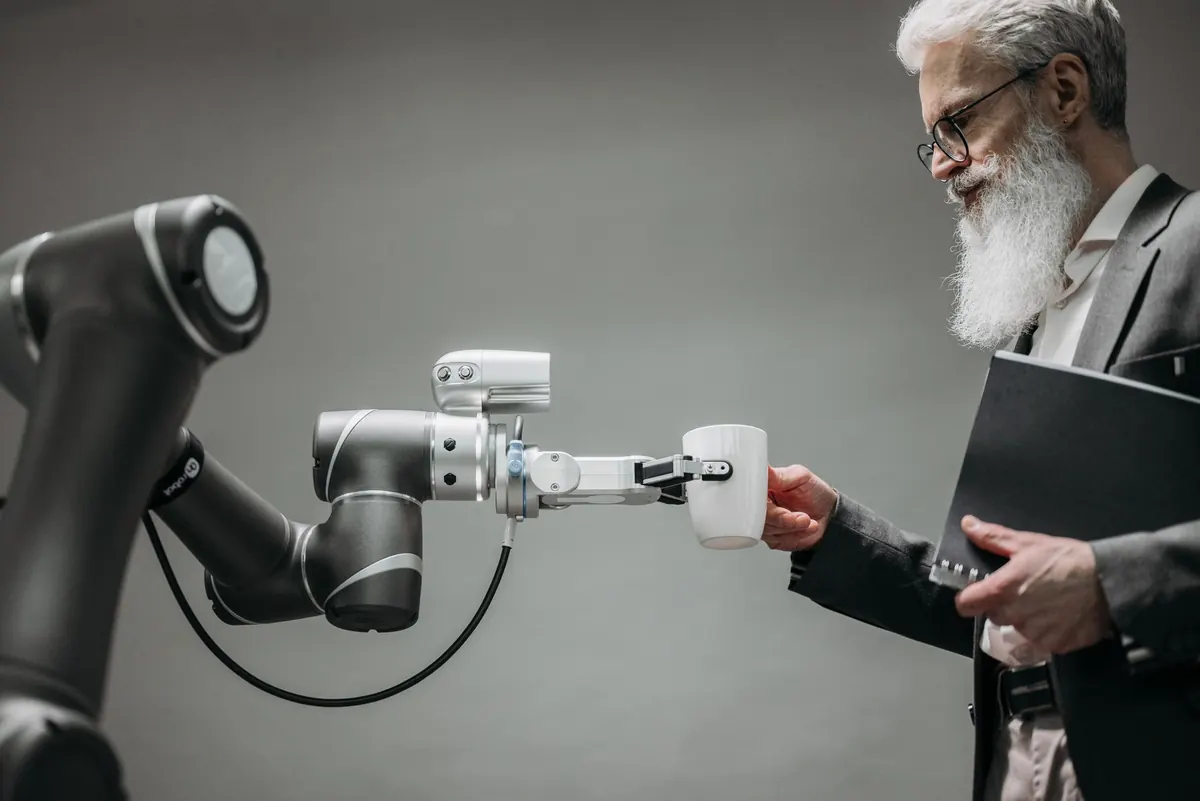
"Robotics" lands in the same budget meeting, the same vendor shortlist, and often the same sentence — yet the two technologies behind the word have almost nothing in common. One is software that clicks buttons on a screen. The other is machinery that lifts a box. Both can cut cost and errors, but they fail for different reasons, get bought by different people, and need different kinds of care after go-live.
Here is a plain-English way to tell them apart, decide which one your process actually needs, and connect the two when a single workflow runs from an inbox to a loading dock.
RPA (robotic process automation) is a software bot. It signs into the same applications your team uses, reads a screen or a file, types into fields, clicks, copies, pastes, and moves on. It has no body. It runs on a server or a virtual machine, works at whatever speed the target application allows, and does exactly what its script says — no more, no less.
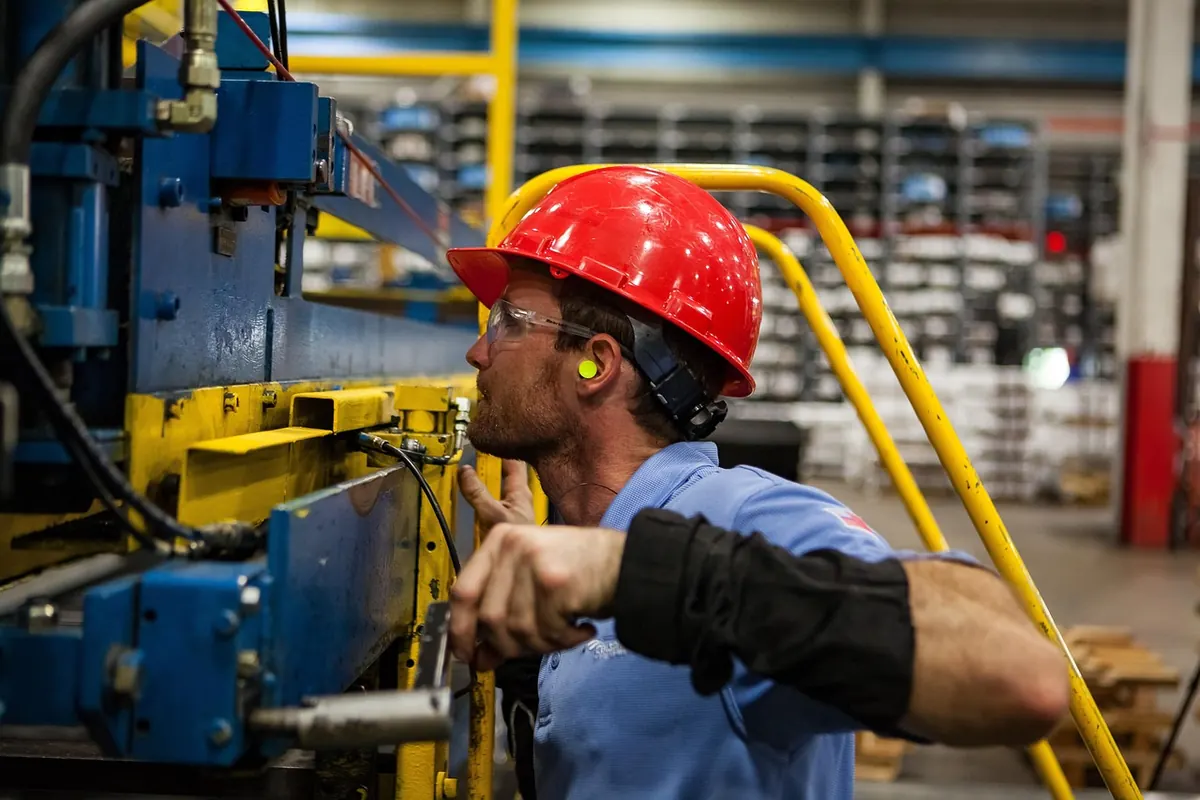
Physical robotics is hardware: a robot arm, a gripper, a mobile cart, a cobot on a bench, a palletizer at the end of a line. It changes the position of physical objects in real space, which means it is governed by cycle time, reach, payload, floor layout, power, and safety.
If the task is finished when a field is saved, you are buying software. If it is finished when something has moved, you are buying machinery.
That single distinction explains most of the confusion in project meetings. Software bot projects stall on application changes and messy input. Hardware projects stall on space, takt time, and changeover.
RPA is at its best on boring, high-volume, rules-based work that already passes through digital systems. Typical examples:
The value comes from volume, consistency, and the fact that a bot does not get bored at 4 p.m. on a Friday.
Where RPA struggles is worth saying out loud before you buy. Bots are brittle against interface changes — a renamed button can break a process that ran cleanly for months. They need structured input; a supplier who emails scanned handwriting is not an RPA problem, it is a forms problem. And every exception needs a rule, plus a path back to a human. Plan for maintenance from day one, not as an afterthought.
A process is usually ready for a software bot when it is high volume, rules-based, fed by structured digital data, sits in applications that change rarely, and someone on the team can describe it step by step without saying "it depends." If "it depends" keeps coming up, map the exceptions first.
Hardware robots take on work where the object itself is the payload. Palletizing cases at the end of a packaging line. Machine tending — loading and unloading a mill or press. Pick-and-place on an assembly bench. Mobile robots towing carts between zones. Case packing, labeling, and end-of-line inspection.
The constraints are physical and unforgiving. A cell has a footprint, and that footprint competes with storage and walkways. Cycle time has to fit the line, not the other way around. Changeover between SKUs may mean new grippers, new fixtures, or new programming. Safety requirements shape everything: guarding, light curtains, speed limits, and the separation of people and machines.
And unlike software, hardware wears out. Bearings, belts, gripper pads, cables. If nobody owns preventive maintenance, the robot becomes the bottleneck within a year.
Most real workflows cross the boundary. A customer order arrives, a software bot validates and enters it, the warehouse system releases it, a mobile robot moves the pallet, a cobot palletizes it, a scanner records the movement, and another bot updates the ERP and triggers the invoice. Information and atoms, passing the baton.
That handoff is where projects succeed or quietly rot. A few habits make it work:
Start with one process, not a platform strategy. Pick work that is high volume, well understood, and currently done by someone who would rather not be doing it. Measure the baseline — minutes per transaction, error rate, monthly volume — so you can tell later whether anything improved.
For RPA, run the bot in parallel with the human for two weeks and compare outputs daily. Write down every exception, including the ones that only happen at month-end. For hardware, pilot in one cell or one aisle before committing to a fleet, and check the boring things first: floor space, power, network coverage, and who will maintain it.
Then be honest about ownership. Someone has to own the bot's scripts and the robot's maintenance schedule. These projects rarely fail because the category was wrong. They fail because nobody was responsible for them in month seven.
Photo: Pavel Danilyuk / Pexels

A practical governance checklist for automation projects in regulated industries: bias audits, replayable audit...

Cobots and caged industrial robots solve different problems. Here is how they compare on installed cost, safety,...
Copyright © 2026 Automation Alley. All Right Reserved.