AI Governance Checklist for Automation Projects in Regulated Industries
October 12, 2026 - AI


October 09, 2026 - AI

You cannot automate a process you cannot describe. That sounds obvious, yet plenty of automation projects stall right there: a tool gets chosen, a messy workflow gets pointed at it, and the whole thing collapses because nobody wrote down what actually happens on an ordinary Tuesday. Mapping the manual workflow is the cheapest part of the project, and it decides whether the rest of it works. Here is a seven-step method you can run with a spreadsheet, a few conversations, and a couple of hours.
Choose something narrow. Not "finance" and not "customer operations" — pick a single flow with a clear beginning and a clear end. Invoice approval is a workflow. Onboarding a new client is a workflow. Weekly performance reporting is a workflow.
Write down three things before you go further:
If you cannot describe the trigger in one sentence, the scope is too big. Shrink it.
Now list what actually happens, in order. Sit with the person who does the work — or record yourself doing it — and note every action, including the ones that feel too small to mention. Opening an email, downloading an attachment, copying a reference number, checking a figure against a purchase order, replying to a colleague to confirm. Small steps are where the time hides.
Do it in two passes.
List the happy path quickly, without judging or editing. You are aiming for coverage, not polish.
Go back and add the exceptions. What happens when the invoice amount does not match? When the client sends information in a different format? When the approver is on holiday? Note how often each exception happens — daily, occasionally, rarely. A workflow with a 20 percent exception rate is a different automation problem from one with almost none, and you need to know which you have.
One caution: people often describe the official process rather than the real one. Ask what they did last time it went wrong. That answer tends to be more accurate than the manual.
Go down the list and add three columns: who owns the task, how long it takes, and how often it runs.
Be careful to separate active time from wait time. A task that takes four minutes of work but sits in an inbox for two days has a small touch-time problem and a large queue problem, and those need different fixes.
Estimates are fine. Multiply frequency by duration to see where the hours actually go. A three-minute task done forty times a week beats a ninety-minute task done monthly, and the order is rarely what people expect. This is the point where most teams discover their real cost centre is a small, boring, repetitive step.
Read back through the list and highlight two things: places where work queues up, and places where it changes hands.
Handoffs are where delays and errors live. Every time a task moves from one person or system to another, information gets retyped, summarised, or lost. Count them. A workflow with nine handoffs is not really one process; it is nine small ones with gaps between them.
Bottlenecks usually show up as phrases like "I wait for approval", "I chase the supplier", or "I check whether it's been done yet". Any step that exists mainly to check on another step is a strong candidate for automation or removal.
Not every task should be automated, and trying to automate the wrong one wastes more time than leaving it manual. Score each task on a simple one-to-five scale against these criteria:
Copying the same data into a second system. Generating recurring documents from a template. Sending reminders and status updates. Assigning incoming items to the right person using simple rules. Collecting information into one place so a human can review it.
Anything involving negotiation, unusual cases, or decisions with financial or legal weight deserves human review, at least to begin with. If a workflow touches regulated data, personal information, or money, involve whoever owns compliance or finance before you change how it runs, and take professional advice where the rules are unclear.
Pick the task that scores highest on frequency and lowest on judgment and risk. Something dull: the one nobody enjoys and everybody does the same way every time. That is your first candidate.
Then build small and test against reality. Run the automated step alongside the manual one for a few weeks and compare outputs. Decide in advance what "done" looks like, who checks the first batch, and how you would switch back if it goes wrong. After two weeks, measure: time spent before and after, how often exceptions appear, and how much rework the humans are still doing. Review the map at the same time, because the process will already have drifted.
A workflow map is not a one-off document. Give it a date, a version number and an owner, and revisit it when volume changes, a system changes, or a new person joins the team. Keep it short enough to read in ten minutes — a page of steps and a page of notes beats a forty-page manual nobody opens.
Do that, and the map earns its keep twice over: it becomes your onboarding guide, and it becomes the baseline you measure against the next time you ask whether something is worth automating.
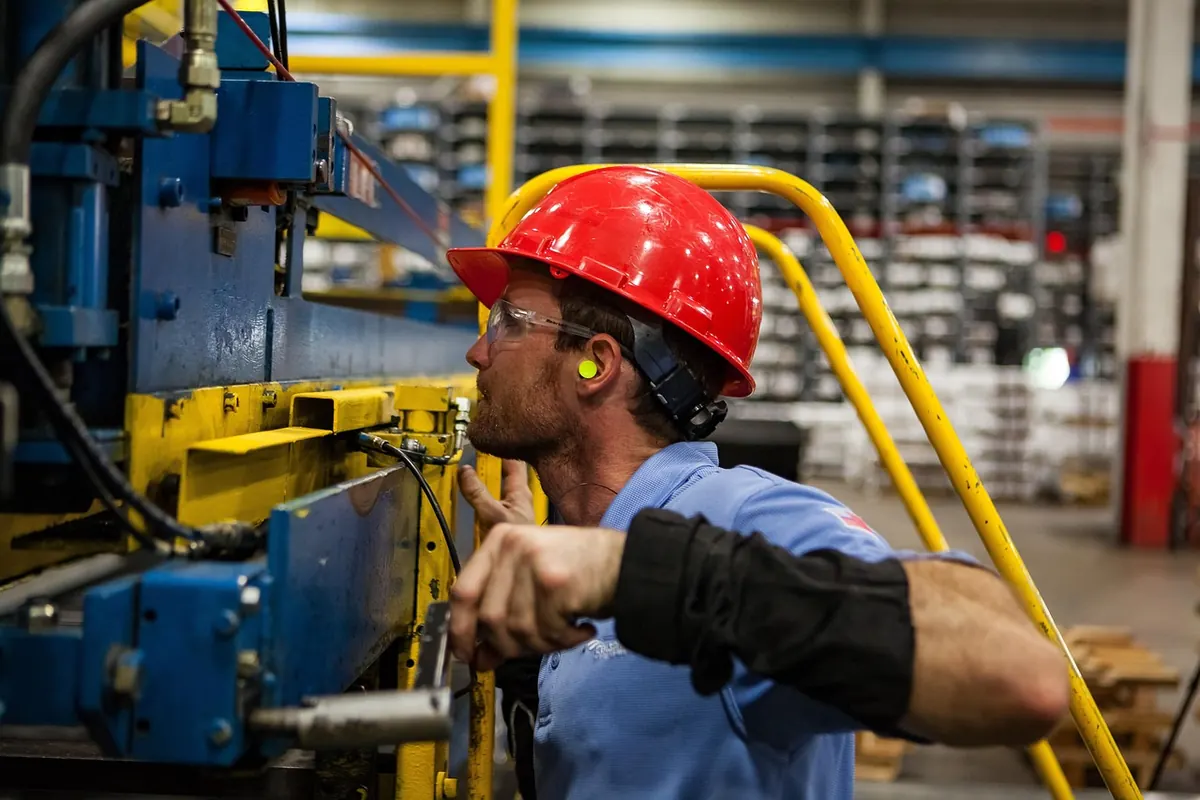
Photo: athree23 / Pixabay

A practical governance checklist for automation projects in regulated industries: bias audits, replayable audit...

Cobots and caged industrial robots solve different problems. Here is how they compare on installed cost, safety,...
Copyright © 2026 Automation Alley. All Right Reserved.