AI Governance Checklist for Automation Projects in Regulated Industries
October 12, 2026 - AI


October 09, 2026 - AI
Every year the pattern repeats. A few days after Black Friday, someone on the operations floor is copying addresses out of a spreadsheet and pasting them into a carrier portal, one order at a time, because the integration that worked fine in October is now throwing errors under five times the volume. Meanwhile, three customers have been promised the same last unit of a popular SKU, and the returns inbox has 400 unread messages.
None of that is a staffing problem. It is a workflow problem, and the fix is rarely dramatic. It is a set of small automations — routing rules, inventory buffers, return triggers — built in September and October, when the pressure is low enough to think clearly.
Automating a broken process just produces broken results faster. Write down what actually happens to an order, from the moment payment clears to the moment the tracking number leaves your building. Then do the same for a return.
Look for handoffs where a person moves data between two systems: a CSV export, a copy-paste into a courier site, a message asking someone to check whether an item is in stock. Those are your candidates. Rank them by how often they happen and how badly they fail at volume.
If a step depends on one person remembering to do it on a busy morning, it will be missed on the busiest morning of the year.
Routing decides which warehouse, which carrier, and which service level handles each order. Set it up as explicit rules rather than a default that most orders follow and a human who handles the rest.
Build an exception queue in the same project. When no rule matches — a partial address, a zone you do not ship to, an item flagged for review — the order should land somewhere visible with a reason attached, not disappear into a log file.
Decide what happens when a carrier API times out. A routing system that fails closed and stops shipping is worse than one that falls back to a second-choice carrier and flags the order.
Whoever is on call in December should be able to open the configuration and understand why an order went where it went. Name rules in plain language, keep conditions to two or three per rule, and note why each one exists.
Overselling is rarely a counting error. It is a timing error. Your warehouse system, your storefront, and each marketplace hold their own version of the truth, and they update on different schedules. During peak, a few minutes of lag is enough to sell the same unit twice.
Fixes that work in practice:
Track sync latency as a metric during peak, not just stock accuracy. If updates normally land in under a minute and suddenly take ten, you want to know that before a promotion starts.
January's return volume is created by December's order volume, and it arrives whether or not you planned for it. The automation decisions here are mostly about speed and routing.
A self-service flow that validates the order number, checks the return window, and issues a label automatically removes the largest source of support tickets. From there:
Write the policy plainly and show it before the customer clicks "return" — windows, condition requirements, who pays shipping. Ambiguity turns a routine return into a dispute. If your policy touches consumer protection rules in your market, have someone qualified review it rather than copying a template.
A dry run with ten orders proves nothing. Replay a peak day from last season at several times the volume, or generate synthetic orders if you lack the history. Watch queue depth, not just the success rate: a system that processes everything correctly but takes six hours to drain a backlog will still miss cutoffs.
Test the failure paths too. Disconnect a carrier API. Set a warehouse to zero stock. Send an order with a malformed address. All three will happen in December, and the difference between a hiccup and a crisis is whether the automation routed it somewhere a person could see.
Then freeze. Seven to ten days before your first major promotion, stop changing routing rules, integrations, and tax logic. Keep a change log, and require a second person to approve anything that does get through. Most peak outages are self-inflicted by a well-meaning fix deployed on a Thursday night.
A rule that only works when volume is low is not a rule. It is a habit that has not been tested yet.
Work backwards from your first promotion date and give each piece of the workflow its own window.
Do the work while the days are quiet and the stakes are low. The reward is a peak season where the systems handle the volume and your team spends its time on the handful of orders that genuinely need a human.
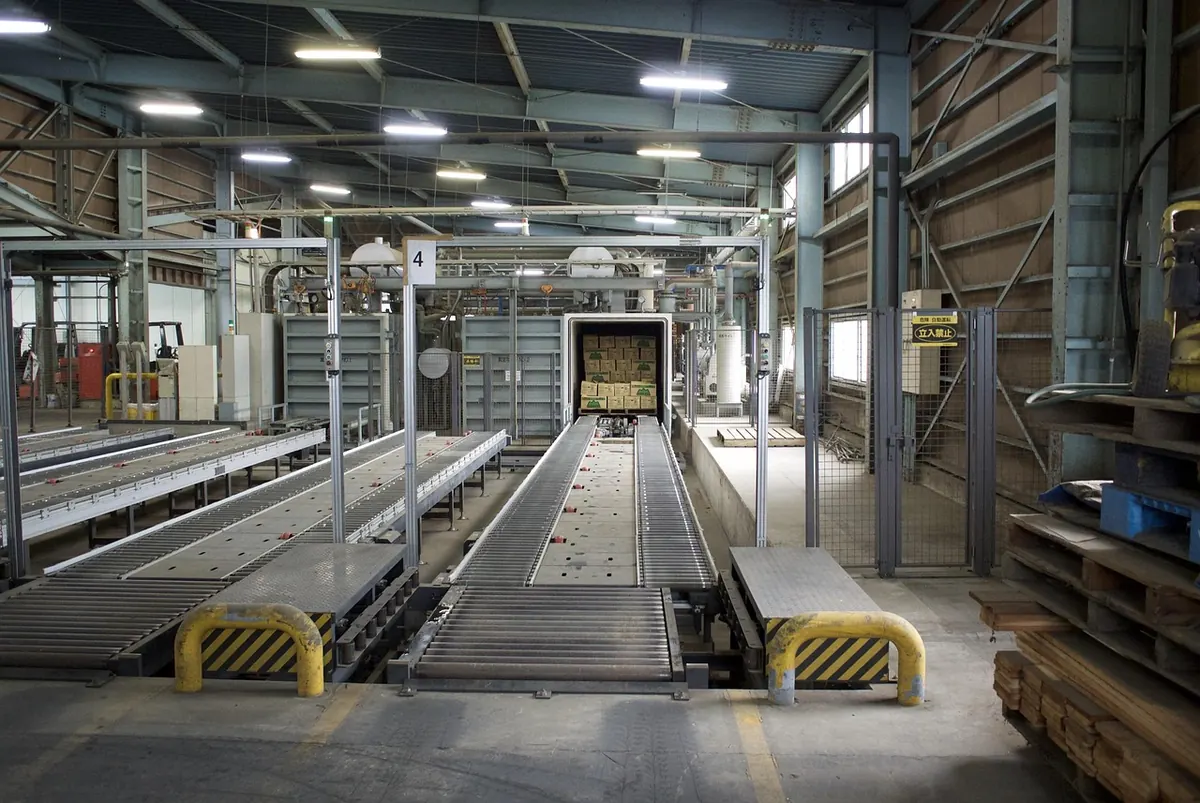
Photo: shinozw / Pixabay

A practical governance checklist for automation projects in regulated industries: bias audits, replayable audit...

Cobots and caged industrial robots solve different problems. Here is how they compare on installed cost, safety,...
Copyright © 2026 Automation Alley. All Right Reserved.